





Uncategorized
What Is a PTT Button on a Microphone? A Clear Guide
Sep
A small button can decide whether your radio sends a message or misses its start. What is a PTT button on a microphone, and does it control the radio or just the mic? PTT means push-to-talk. On a compatible microphone, the button tells the connected radio to transmit while you hold it, then return to receive mode when you release it. The action is simple, but it can be easy to get wrong when you’re using an unfamiliar accessory or sharing a channel.
This guide explains how the PTT button works, when to press and release it, and what to check if the microphone doesn’t transmit. It also covers how to compare accessories with your radio before buying. From remote speaker microphones to earpieces, choosing the right setup starts with understanding what the button does.
Key Takeaways
- Understanding what is a PTT button on a microphone helps you distinguish the microphone’s transmit control from the radio’s own controls.
- Check the channel before transmitting, and leave a clear gap between messages so others can take their turn.
- If the radio transmits but your voice isn’t heard, check the microphone connection and confirm the accessory is compatible with your radio.
- Compare your radio model, connector and accessory design before choosing a remote speaker microphone or earpiece.
What Is a PTT Button on a Microphone, and What Does It Do?
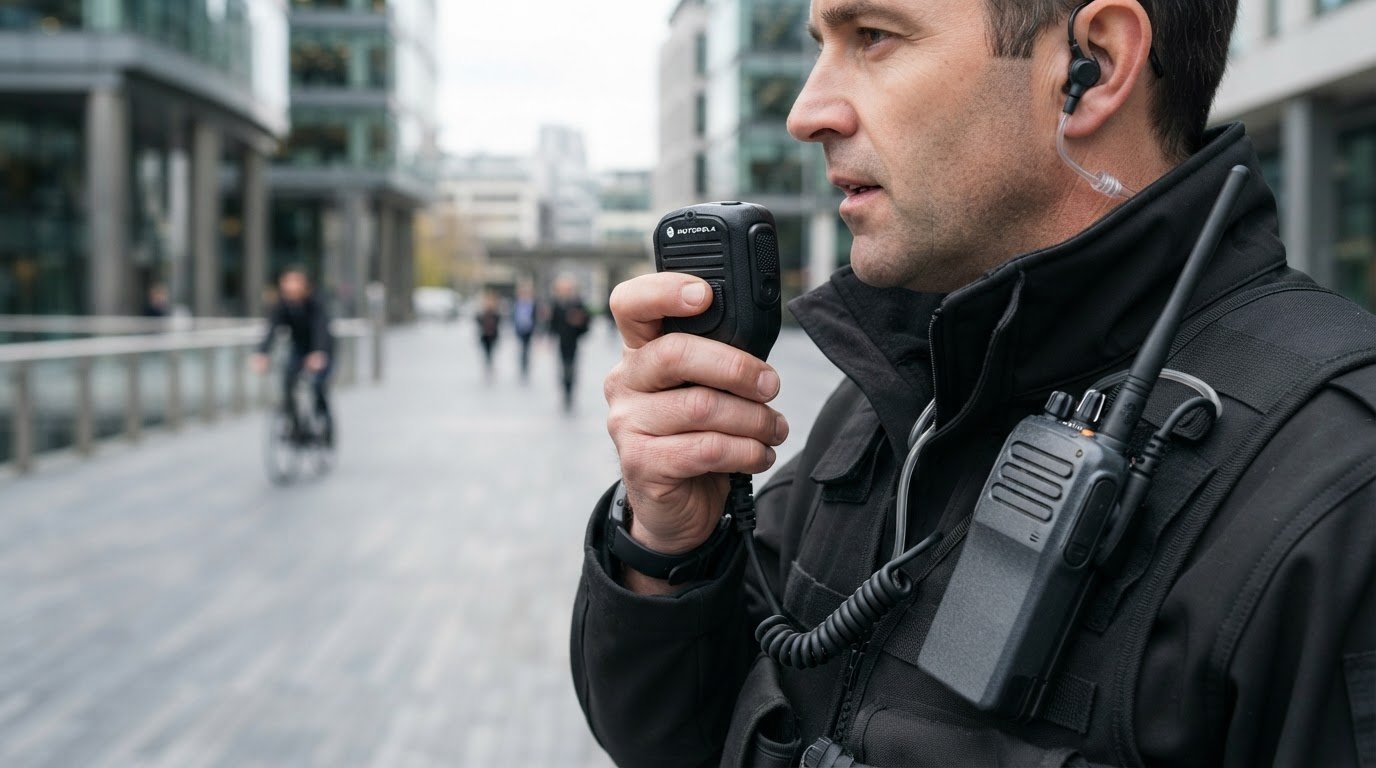
PTT means “push-to-talk”. On a compatible microphone, the button tells a two-way radio when to transmit. So, what is a PTT button on a microphone in practical terms? It’s the control you hold while speaking, not a button that makes your voice louder or records it.
A PTT button activates a two-way radio’s transmitter while held and returns the radio to receive mode when released.
What happens when you press and release the PTT button?
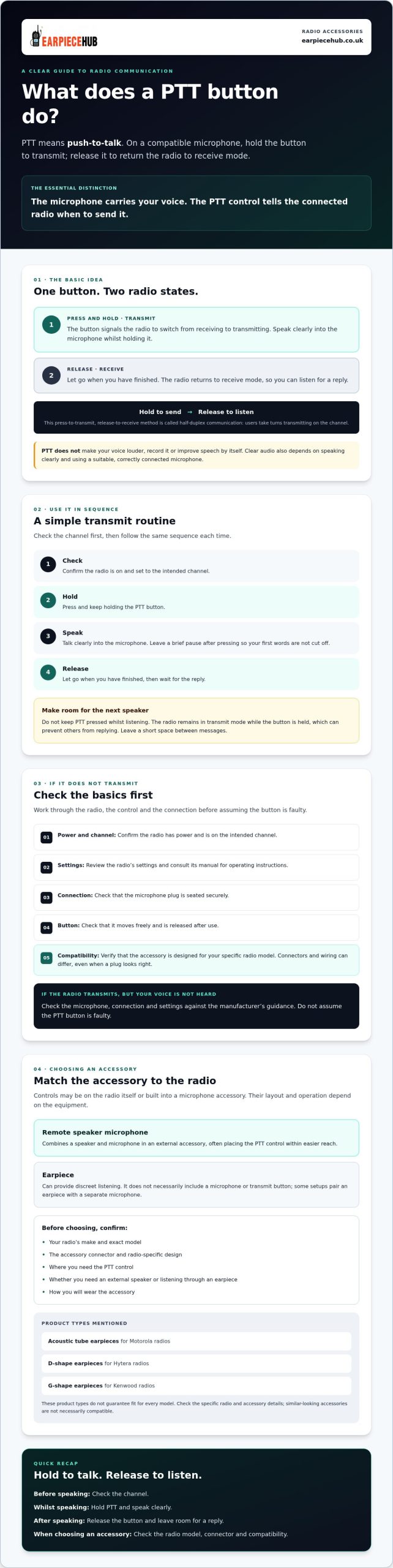
Pressing the button signals the connected radio to switch from receiving to transmitting. Speak into the microphone while holding it, then release the button so the radio can return to receive mode. You can then listen for a reply. This press-to-transmit, release-to-receive method is known as half-duplex communication: users take turns transmitting on the channel. The Push-to-talk (PTT) overview explains the underlying communication method.
The microphone carries your voice; the PTT control determines when the radio sends it. It doesn’t amplify, record or improve speech by itself. Clear audio also depends on speaking clearly and using a suitable, correctly connected microphone. An external or remote speaker microphone can put the control within easier reach, but it must be compatible with the radio.
How to Use a Microphone PTT Button and Troubleshoot Common Problems
Once you know what is a PTT button on a microphone, use it in a consistent sequence. Check the channel first, then:
- Check: Confirm the radio is on and set to the intended channel.
- Hold: Press and keep holding the PTT button.
- Speak: Talk clearly into the microphone. Leave a brief pause after pressing so your first words aren’t cut off.
- Release: Let go when you’ve finished, then wait for the reply.
Don’t keep PTT pressed while listening. The radio will remain in transmit mode while the button is held, which can prevent others from replying. Leave a short space between messages so another user has a chance to speak.
Why might a microphone PTT button not transmit?
Start with basic checks. Confirm the radio has power, is on the intended channel and has the microphone plug seated securely. Check that the button moves freely and is released after use. Review the radio’s settings and consult its manual for operating instructions. Before investigating further, verify that the accessory is designed for your specific radio model. Connectors and wiring can differ, so a plug that looks right may not be compatible.
If PTT fails, check radio power, channel, settings and connections, then confirm accessory compatibility and consult the manual. If the radio appears to transmit but your voice isn’t heard, don’t assume the button is faulty. Check the microphone, connection and settings against the manufacturer’s guidance.
If you need a replacement or an easier-to-reach transmit control, compare radio earpieces and remote speaker microphones with your radio model before choosing.
Choosing a PTT Microphone or Earpiece That Works with Your Radio
A PTT control may be built into a microphone accessory or positioned on the radio itself. Both controls can initiate transmission, but their layout and operation depend on the equipment. An earpiece is generally for listening; it doesn’t necessarily include a microphone or transmit button.
A remote speaker microphone combines a speaker and microphone in an external accessory, often placing the PTT control within easier reach. An earpiece can provide discreet listening, and some setups pair one with a separate microphone. Don’t assume accessories will work together just because they look similar. Check the connector, wiring and radio-specific design.
What should you check before buying a PTT microphone accessory?
Before choosing, confirm your radio’s make and exact model, the accessory connector and how you plan to use the equipment. Consider where you need the PTT control, whether you need an external speaker or listening through an earpiece, and how you’ll wear the accessory. If you’re asking what is a PTT button on a microphone while comparing products, check whether the control is built into the accessory and whether that accessory is designed for your radio.
Earpiece Hub sells remote speaker microphones and brand-specific earpieces, including acoustic tube earpieces for Motorola radios, D-shape earpieces for Hytera radios and G-shape earpieces for Kenwood radios. These product types aren’t a guarantee of fit for every model. Check the specific radio and accessory details before selecting one.
Compare radio microphones and earpieces with your radio model before making a choice.
Choose the Right Radio Accessory for Confident Communication
Knowing what is a PTT button on a microphone makes radio conversations easier to manage: hold the control to transmit, release it to listen, and leave room for others to reply. If an accessory doesn’t work as expected, check the radio’s power, settings and connection, then confirm the microphone or earpiece matches the radio model.
Earpiece Hub is a specialist retailer of professional radio communication accessories, including remote speaker microphones and brand-specific earpieces. Connector and accessory design matter, so check compatibility before choosing. To find an option for your setup, explore radio earpieces and communication accessories.
Frequently Asked Questions
What does PTT stand for on a microphone?
PTT stands for “push-to-talk”. The button switches a compatible two-way radio from receiving to transmitting while you hold it. Speak into the microphone, then release the button to listen for a reply. In short, what is a PTT button on a microphone? It’s a transmit control, not a volume, recording or voice-enhancement feature.
Do you hold the PTT button while talking?
Yes. Press and hold the PTT button for the duration of your message, then release it as soon as you’ve finished. The radio typically stays in transmit mode while the button is held, so don’t keep it pressed while listening. Leave a brief gap between transmissions to give other users a chance to reply.
Why is my microphone PTT button not working?
Check that the radio is powered on, set to the intended channel and connected securely to the microphone. Make sure the PTT button moves freely and check the radio’s settings. Then confirm the accessory is designed for your radio model, as connectors and wiring can differ. Consult the radio manual for model-specific checks.
Will any PTT microphone work with my two-way radio?
