





Uncategorized
Tactical Communication Headset: Choose the Right Setup for Your Radio
Oct
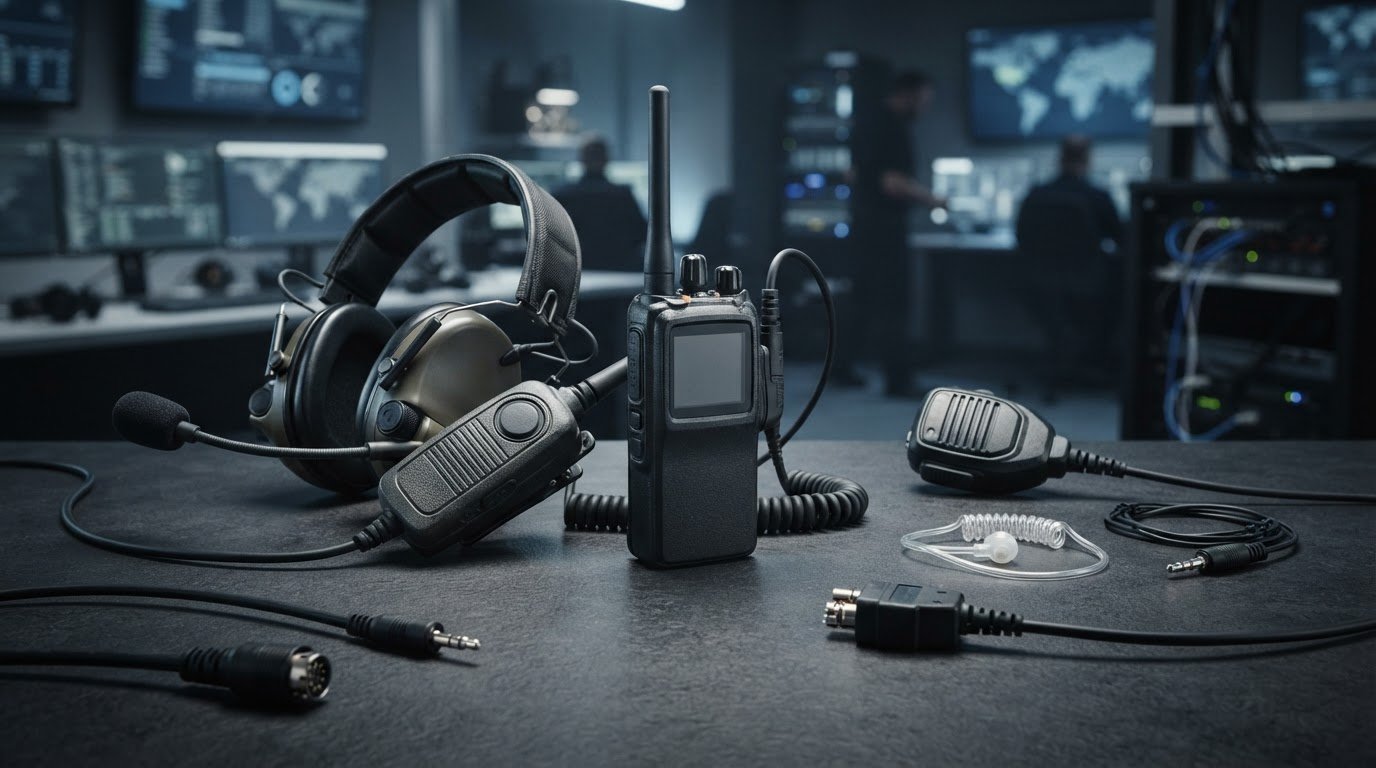
The most tactical-looking headset may be the wrong setup for your radio. A tactical communication headset needs the right connection and functions for both the radio and the job. It’s easy to confuse a listen-only earpiece with a two-way setup, or overlook how connector type affects compatibility.
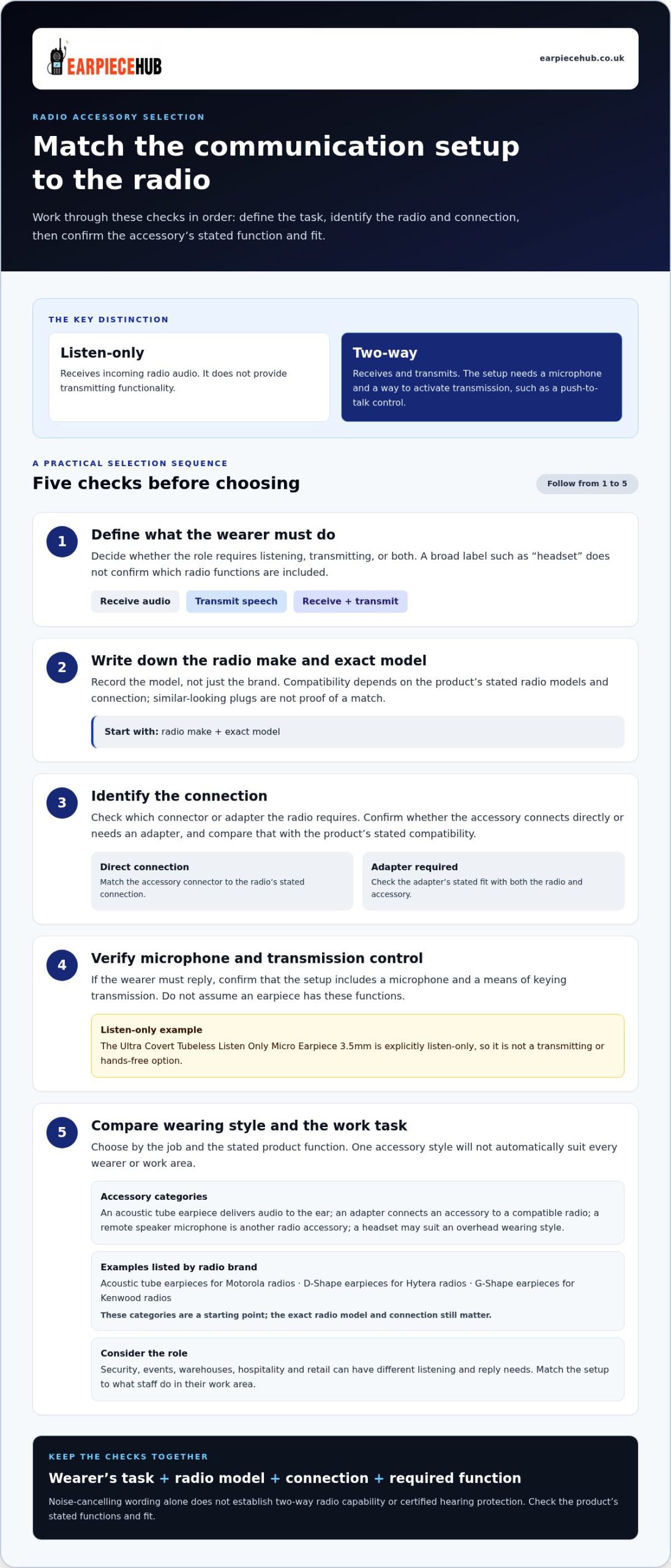
Start by writing down the radio’s make and exact model, then decide whether the wearer needs to listen, transmit or do both. Use those details to compare product compatibility, connection type and wearing style. This guide explains how listen-only earpieces differ from two-way options, what to check before choosing an adapter, and where a noise-cancelling headset may fit. Matching the setup to the radio and the role is more useful than relying on a broad product label.
Key Takeaways
- Identify whether you need to listen, transmit or do both before choosing a tactical communication headset.
- Match the accessory to your radio’s make, model and connection type, not its appearance or category label.
- Compare headset, acoustic tube earpiece, adapter and speaker microphone options by the demands of your work environment.
- Learn how communication needs can differ across security, events, warehouses, hospitality and retail teams.
What a Tactical Communication Headset Does, and What It Does Not
A tactical communication headset connects a user to a radio for receiving audio, transmitting speech or both. The label alone doesn’t tell you which functions it provides. An earpiece may simply deliver incoming audio, whilst a two-way setup also needs a microphone and a way to activate transmission, such as a push-to-talk control.
Listen-only receives; two-way communication receives and transmits. That distinction matters when choosing equipment for a team. A radio’s transmit and receive functions are explained in this overview of the two-way radio.
Headset, earpiece and hearing-protection functions aren’t interchangeable by default. A headset describes a wearing style, not necessarily its radio functions. An earpiece describes how audio is delivered, but doesn’t automatically include a microphone. Noise-cancelling wording also shouldn’t be taken as proof of hearing-protection certification.
Listen-only earpiece or two-way headset: which function do you need?
Choose according to what the wearer must do. If they only need to hear radio traffic, a listen-only earpiece may meet the need. The Ultra Covert Tubeless Listen Only Micro Earpiece 3.5mm is explicitly listen-only, so it should not be treated as a transmitting or hands-free option.
If staff must reply over the radio, the setup needs a microphone and a means of keying transmission. Check that these functions are part of the product or accessory setup, rather than assuming they come with an earpiece. A noise-cancelling headset is a separate category: its name alone doesn’t establish whether it supports two-way radio communication or provides certified hearing protection. Define the required function first, then compare the accessory and radio connection.
How to Compare Tactical Communication Headsets for Radio Fit
A tactical communication headset must match the radio connection as well as the wearer’s communication needs. Start with the radio’s make and exact model, then compare those details with the accessory’s stated compatibility. Similar-looking plugs or matching category names aren’t proof of a fit.
Compatibility is specific to the product’s stated radio models and connection. Record these details before choosing:
| Compare | What to establish |
|---|---|
| Radio | Record the make and exact model, not just the brand. |
| Connection | Identify the radio’s required connector or adapter, then match it to the accessory listing. |
| Microphone | Decide whether the wearer needs to transmit and what control is required for that function. |
| Listening | Specify the listening style, including whether the need is receive-only or part of a two-way setup. |
Which headset and radio details should you compare first?
Check the radio brand and model first. Earpiece Hub’s range includes acoustic tube earpieces for Motorola radios, D-Shape earpieces for Hytera radios and G-Shape earpieces for Kenwood radios. These product categories give you a starting point, but the exact model and connection still matter. Next, identify whether the accessory connects directly or needs an adapter. Don’t assume a plug fits because it looks similar.
Then compare wired, Bluetooth and listen-only options by the connection and function stated for each item. Bluetooth compatibility depends on the radio or adapter setup, so don’t infer it from the word “headset”. Likewise, select a listen-only option for receiving audio, not transmitting.
Once you’ve identified the radio and connection, browse radio communication accessories by category. Earpiece Hub offers earpieces, adapters, remote speaker microphones and headsets. Compare each product’s stated fit and function rather than relying on a broad tactical label.
Choose a Tactical Communication Accessory That Matches the Job
Start with the task, not the label. A security team may need discreet, receive-only listening for some roles and a way to transmit for others. Event staff coordinating across a venue may need two-way communication. In a warehouse, consider whether workers need to listen and reply while carrying out their tasks. Hospitality and retail teams can also compare the setup with the way staff use radios in their work areas. These needs differ, so one accessory style won’t automatically suit every wearer.
Match the function to the category. An acoustic tube earpiece delivers audio to the ear, an adapter connects an accessory to a compatible radio, and a remote speaker microphone is another radio accessory option. A headset may suit a setup requiring an overhead style. For any role that needs replies, make sure the selected setup supports transmission rather than assuming an earpiece does.
Find the Earpiece Hub accessory category for your communication setup
Earpiece Hub lists the Universal Headset – Noise Cancelling – One Headset with any Radio. The product description uses the wording “One Headset with any Radio”. For receive-only listening, the Ultra Covert Tubeless Listen Only Micro Earpiece 3.5mm is explicitly listen-only, so it isn’t a two-way option. Earpiece Hub also lists acoustic tube earpieces for Motorola radios, D-Shape earpieces for Hytera radios and G-Shape earpieces for Kenwood radios. Compare the stated product details with the radio model and required function.
Before choosing, bring together the wearer’s task, communication function and radio connection. This gives each team member a practical basis for comparing options, whether they work in security, events, warehouses, hospitality or retail. Browse Earpiece Hub radio accessories to compare categories for your setup.
Make Your Next Radio Setup a Practical One
Before equipping a team, note the radio model, connection and communication task for each role. This makes it easier to compare compatible accessories and keep replacement choices aligned with how the work is done. Build the selection around the job, not a generic tactical label.
The right tactical communication headset is the one that fits the radio and the wearer’s actual duties. Browse Earpiece Hub radio communication accessories to compare earpieces, adapters, speaker microphones and headsets for your setup.
