




Uncategorized
Theatre Crew Communication Headset Options for Backstage Teams

Oct
Choose a theatre crew communication headset system based on where each person works, not just the size of the production. Wired headsets suit fixed positions, while wireless systems give roaming crew more freedom to move. Match the setup to how your team needs to communicate.
Clear communication helps stage managers and crew coordinate cues, respond to changes and keep a live performance running smoothly. The right choice depends on who needs to speak, where they need to move and how the team should be organised.
This guide compares wired and wireless systems, then explains the roles of base stations, interface units, beltpacks and headsets. You’ll learn what to consider when choosing equipment for your backstage team.
Key Takeaways
- Choose an earpiece style around the wearer’s role: behind-the-ear designs can suit directors and stage managers who move during a show.
- Match wired or wireless communication to crew movement, and consider how roaming staff will stay connected backstage.
- Understand how headsets, beltpacks and cables work together so you can plan a practical setup for each position.
- For radio-based communication, compare earpieces by radio make: Earpiece Hub offers options for Motorola, Hytera and Kenwood radios.
1. How to choose theatre headsets for communication?
Choose a theatre crew communication headset by matching its fit and connection to each role. Directors and stage managers may prefer behind-the-ear earpieces designed to stay in place during active movement. Lighting technicians may favour on-ear designs, which let them hear instructions while remaining aware of their surroundings. In-ear styles fit inside the ear canal and reduce external noise.
Stage managers coordinate cue calls using three stages: warning, standby and GO. For example, a standby call tells operators to prepare for the next cue, while the GO call signals them to act. Agree how crew members identify themselves by position, and ask them to announce when joining or leaving the headset line.
Keep the line useful: switch off microphones when you’re not speaking, and reserve shared-channel chat for operational messages. If the crew needs a private discussion, plan a separate channel or communication route instead of sharing sensitive details over the party line.
Set unattended headset volume to a low-minimum level. Before each use, inspect earpieces for frayed wires, loose connections and degraded cushions. Clean them after use, store them in a protective pouch, and keep them dry. Route cables along the edge of walking areas, uncoil only what is needed, and avoid tight wrapping or sharp bends.
What are the best theatre crew communication headsets available in the UK? The best fit depends on the wearer’s role, movement and listening needs. Choose the earpiece style and system to suit those requirements.
How much do theatre intercom headsets and systems cost in the UK? Costs depend on whether you buy or hire, wired or wireless operation, crew size, channels and the equipment required.
Which UK suppliers rent or sell theatre communication headset systems? Specialist communications retailers sell equipment, while production-equipment hire companies rent systems for events.
2. Wired and wireless headset systems
For backstage production, wired party-line systems connect crew members through a shared communication circuit. They suit fixed positions such as a sound desk, where operators can stay connected without carrying a beltpack. Correct wiring can support separate channels for sound, lighting, fly and video teams.
Wireless beltpack systems let roaming crew communicate while moving around the venue. A single-channel setup is described as suitable for a typical crew of 6-8 people. Wireless multi-channel communication can suit productions with 12-15 crew members across departments, helping separate conversations that would otherwise compete on one line.
Range depends on the venue and system coverage, so plan around the areas crew need to reach. Test communication from backstage, front of house and roaming positions before a performance. Large or complex venues may need multi-zone coverage or links between backstage and front-of-house teams. Wireless systems also require battery chargers and planned battery management.
Which headset types are used for backstage theatre communication? Crews use wired headsets connected to party-line systems or wireless headsets paired with beltpacks. The choice depends on whether each person stays at a fixed position or needs to move.
What radio frequencies and licences are required for wireless headsets in the UK? Frequency and licence requirements depend on the wireless system and its intended operation. Check the equipment’s stated UK operating terms before choosing it.
What are the safety, privacy and interference risks of wireless theatre headsets? A shared channel can expose private conversations to everyone connected, while interference or weak coverage can disrupt cue communication. Keep sensitive details off shared channels and test reception throughout the working areas.

3. Base stations, interface units and headsets
A theatre communication setup commonly combines a headset, beltpack and cables. At a fixed lighting desk, a wired headset can connect an operator to the shared line. A roaming backstage crew member may use a wireless beltpack, while the base station manages communication between connected positions.
Interface units link the intercom with other communication equipment or show systems. For example, a production may need paging or a show relay between backstage and front of house. Map who needs to hear each message, then identify which connections the system must support. This helps keep cue coordination clear across departments.
Choose a headset for the job, not just the connection. Over-ear headsets cover the entire ear and suit sound technicians monitoring audio levels and quality. Crew communication headsets are different from microphones worn by performers. If a production uses Bluetooth intercom, the described system supports two users, so it may not suit a larger crew.
Headset-box controls can affect how the equipment works. Identify the microphone switch, listening-level control and any signalling button before use. The listening control adjusts what the wearer hears, not the microphone volume. Checking the controls helps operators avoid changing the wrong setting during a cue.
Before choosing equipment, list each position, communication route and connection type. Then compare portable and rackmount options against touring or installed use. For sound technicians monitoring levels, an overhead headset option may suit the listening task.
Backstage and front-of-house teams use low-latency communications to coordinate live productions. The editorial recommends a communication headset system for theatres of any size.
Earpiece Hub: Acoustic Tube Earpiece for Motorola Radios
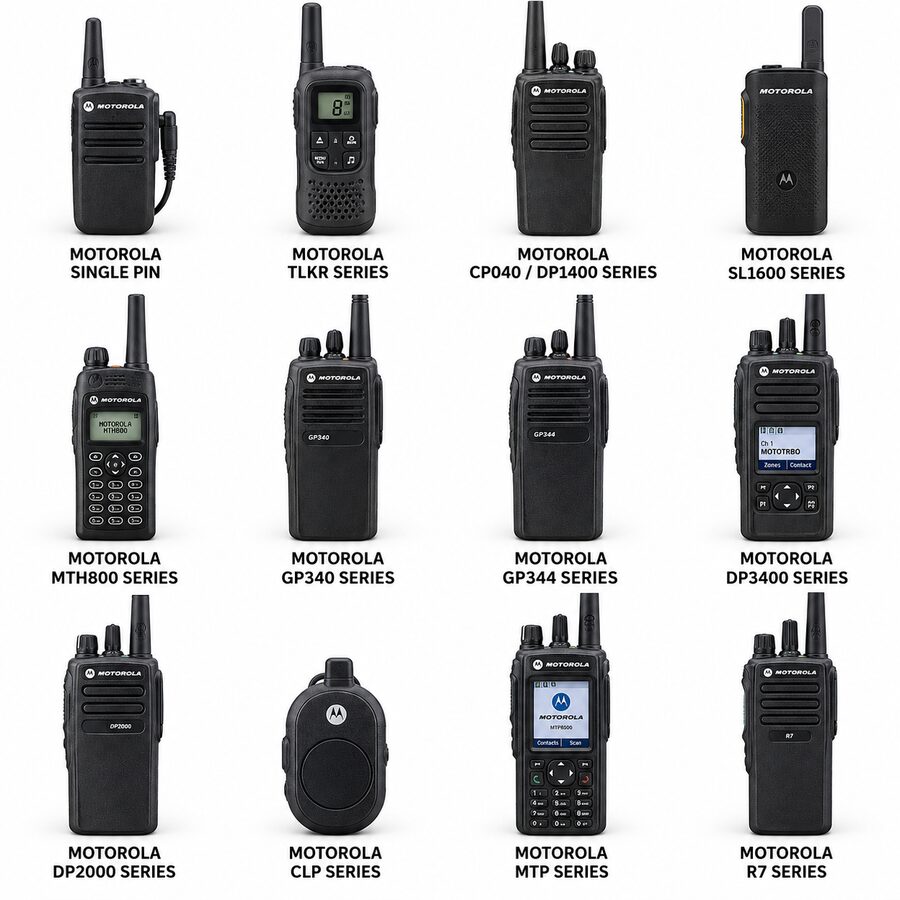
Earpiece Hub offers the Acoustic Tube Earpiece for Motorola Radios for crews using compatible Motorola radio equipment. It provides an earpiece option for radio-based backstage communication, rather than a complete theatre intercom system with base stations and interface units.
Match the earpiece to the radio brand in use: options include a D-Shape Earpiece for Hytera Radios and a G-Shape Earpiece for Kenwood Radios. For Motorola DP1400 users, a replacement battery is also available. These accessories are relevant when your team communicates through two-way radios and needs equipment that matches its existing radio setup.
If you’re choosing radio accessories for backstage use, contact Earpiece Hub to discuss your requirements.
Plan your next backstage communication setup
Before choosing a theatre crew communication headset, map each role to the radio equipment it will use. A simple compatibility list helps distinguish the needs of stage management, lighting and sound teams, and keeps equipment choices tied to the actual communication workflow.
For radio-based setups, Earpiece Hub offers an Acoustic Tube Earpiece for Motorola Radios, a D-Shape Earpiece for Hytera Radios and a G-Shape Earpiece for Kenwood Radios. These options give teams a practical starting point for choosing earpieces by radio brand. The right choice fits your equipment and the way crew members communicate during a production.
Share your requirements with Earpiece Hub to discuss headset advice and radio accessories. Contact Earpiece Hub for headset advice and take the next step towards a more considered backstage setup.
Frequently Asked Questions
How to choose theatre headsets for communication?
Start by separating crew communication from performer microphones, then list each operator’s position and radio or intercom connection. For example, a sound operator monitoring a mix may need different listening coverage from a followspot operator receiving calls. Check that each headset connects to the intended equipment, and consider comfort throughout the wearer’s shift, not just during a brief test.
What is the difference between wired and wireless theatre intercom systems?
Wired systems connect users through physical cables, making them suitable for fixed workstations but requiring cable routing to be part of the venue plan. Wireless systems let users move without a fixed intercom cable linking their position, although each person still carries communication equipment. For productions with changing work areas, consider how crew will relocate and keep each device ready between calls.
What features matter most for clear communication in a noisy theatre?
Prioritise clear speech, a comfortable fit and controls the wearer can operate without losing focus. In a loud sound booth, an over-ear design can help a technician monitor audio levels; a noise-cancelling overhead headset is another option to consider. Test speech at the actual working position, and set the listening volume so instructions are clear without being unnecessarily loud.
